


















Branded Pitch Decks, One-Pagers, and Proposals at Scale with Canva, Layerre, and SendNow
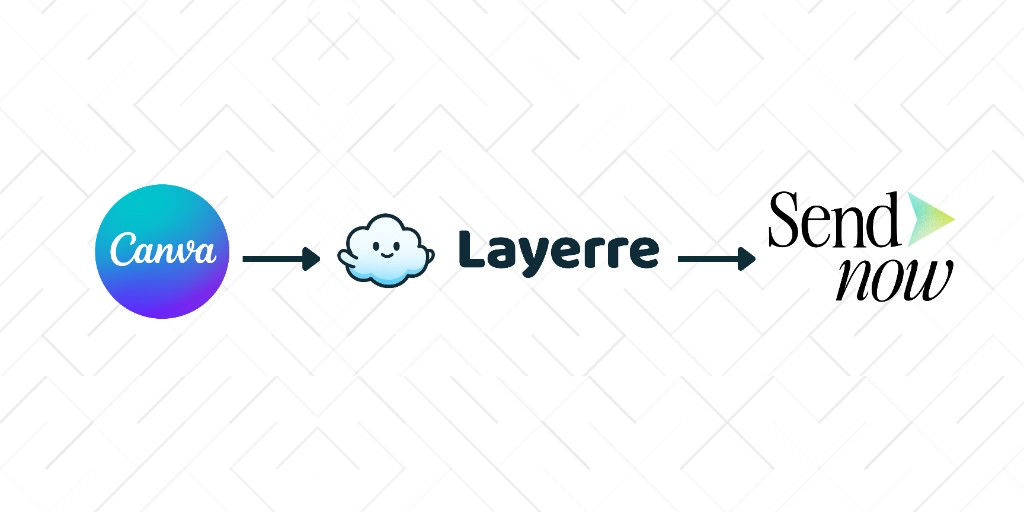
Founders, sales teams, and agencies rarely send one pitch deck. They send fifty: one per investor, prospect, or client, each with a different name, logo, number, or offer. Doing that by hand means duplicating a Canva file over and over. This guide covers a simple three-step workflow: design in Canva, generate the variants with Layerre, and send them with tracking through SendNow.
In this guide
The three-step workflow
- Design once in Canva. Build the master pitch deck, one-pager, or proposal with your brand fonts, colors, and layout. Give each changing element (company name, logo, plan, price) its own layer.
- Generate variants with Layerre. Import the Canva design, map the layers to spreadsheet columns, and generate one branded file per row.
- Send and track with SendNow. Upload the files to SendNow, share secure links, and see who opens them.
Layerre is the step in the middle. Canva is where the design lives, and SendNow is where the file goes after it is made.
Generating branded variants at scale
Canva is great for designing a single document. It gets slow when you need the same document personalized for a long list of recipients. That is the job Layerre handles: it takes your Canva template and fills it from a spreadsheet, Google Sheet, or API call, so a new row becomes a new branded file without anyone opening the editor.
If you are choosing a tool for this step, our comparison of bulk image generation tools covers the main options and where each one fits. For the spreadsheet setup itself, see bulk image generation from a spreadsheet.
| company | contact | logo_url | offer |
|---|---|---|---|
| Northwind | Amina Chen | https://cdn.example.com/northwind.png | Annual plan, 15% off |
| Contoso | Luis Ortega | https://cdn.example.com/contoso.png | Pilot, 30 days |
Each row becomes one finished file. Because the master stays in Canva, a brand refresh is a single edit that flows to every future batch.
Pitch decks, one-pagers, and proposals
- Investor pitch decks: personalize the intro slide and the "why you" line per fund, then watch which pages each investor spends time on.
- Sales one-pagers: generate a one-pager per account with their logo, pricing tier, and relevant case study.
- Client proposals: fill scope, price, and dates from a spreadsheet, then send each proposal with email verification and expiration.
In each case the process is the same: design once, generate the variants, send with tracking, and follow up when a recipient opens the file.