
Best Bulk Image Generators in 2026 (Template-Based vs AI)
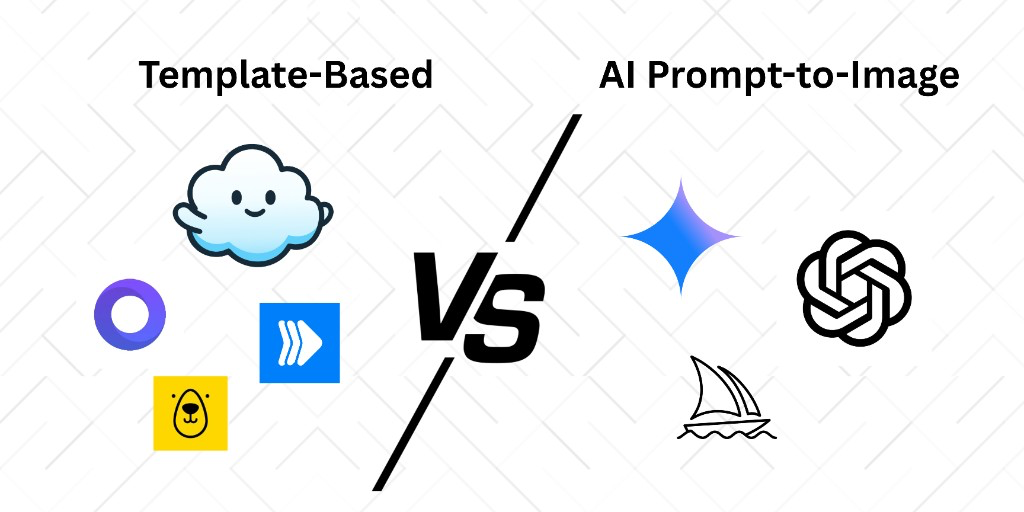
Tools that generate images in bulk fall into two camps: AI that invents pixels from a prompt, and template tools that fill a real design from your spreadsheet. If you need on-brand ads, certificates, or product cards, those are not interchangeable.
In this guide
Two kinds of bulk image generators
AI batch generators take a prompt (or a folder of photos) and produce many new images. They are useful for exploration, moodboards, and one-off concept art. They are a poor fit when legal, brand, or layout rules matter: logos drift, product proportions change, and you cannot guarantee the same grid, type, and colors on variant 47 as on variant 1.
Template-based bulk generators start from a designer-approved layout. Each row of data swaps text, photos, or colors on that layout. Output is deterministic. That is the category behind bulk image generation, Canva Bulk Create, Bannerbear, Placid, and Layerre.
If the job is hundreds of on-brand variants from a sheet, skip the prompt-based roundups and stay in the template category.
Best bulk image generators in 2026
1. Layerre (best if your templates already live in Canva)
Import a Canva share link, map spreadsheet or API fields to layers, and render PNG, JPEG, WebP, or PDF. No Canva Enterprise required. Recurring jobs run through Zapier, Make, n8n, or the REST API instead of a CSV upload inside the editor.
Free tier: 50 credits/month. Paid plans start at $15/mo. See pricing and the spreadsheet workflow.
2. Canva Bulk Create (best for a one-off batch)
Built into Canva Pro/Teams. Upload a CSV, map columns to text and image frames, generate, download. Fine for name badges or a week of social posts. Not an API, not free on Canva Free, and not built for live Google Sheets. Details: how to use Bulk Create, is Bulk Create free?, and Bulk Create alternatives.
3. Bannerbear, Placid, RenderForm, Templated, Orshot
Mature image template APIs. Strong if you are happy building templates in their editors. Weaker if your designers already work in Canva and you do not want to rebuild every master. Compare Bannerbear, Placid, RenderForm, and Templated.
4. AI bulk / batch image generators
Prompt-to-image tools that batch hundreds of generations belong in a different buying decision. Use them when you need net-new artwork, not when you need the same branded frame with 400 SKUs. Mixing the two is the usual reason bulk projects stall: the AI output looks different every run, so ads and catalogs cannot pass brand review.
Quick comparison
| Need | Start here |
|---|---|
| One batch, under ~100 rows, in Canva | Canva Bulk Create |
| Recurring Sheets / Zapier / n8n from Canva masters | Layerre |
| API, templates already in another editor | Bannerbear, Placid, RenderForm |
| Concept art, not pixel-locked brand layouts | AI batch generators |
How to choose
- Count monthly variants, not "we might do thousands someday."
- Ask where the master lives today. If it is Canva, importing beats rebuilding.
- Decide if generation must trigger from a row, form, or webhook. If yes, skip Bulk Create.
- Separate "new art" from "fill this layout." Buy the tool that matches that sentence.
A Canva-to-bulk workflow
- Design the master in Canva with one layer per changing field.
- Put one variant per spreadsheet row (headline, image URL, price).
- For a one-off, use Bulk Create with image URLs.
- For anything recurring, import the same Canva file into Layerre and generate via API or Zapier/Make/n8n. That is batch generation from a template, not a new prompt per row. If you still need the split between models and layouts, see template-based vs AI image generation.
The Canva-native options (Bulk Create vs Connect vs a third-party API) are compared in the Canva automation and API guide.