



















Certificate Templates You Can Fill in Bulk from Canva
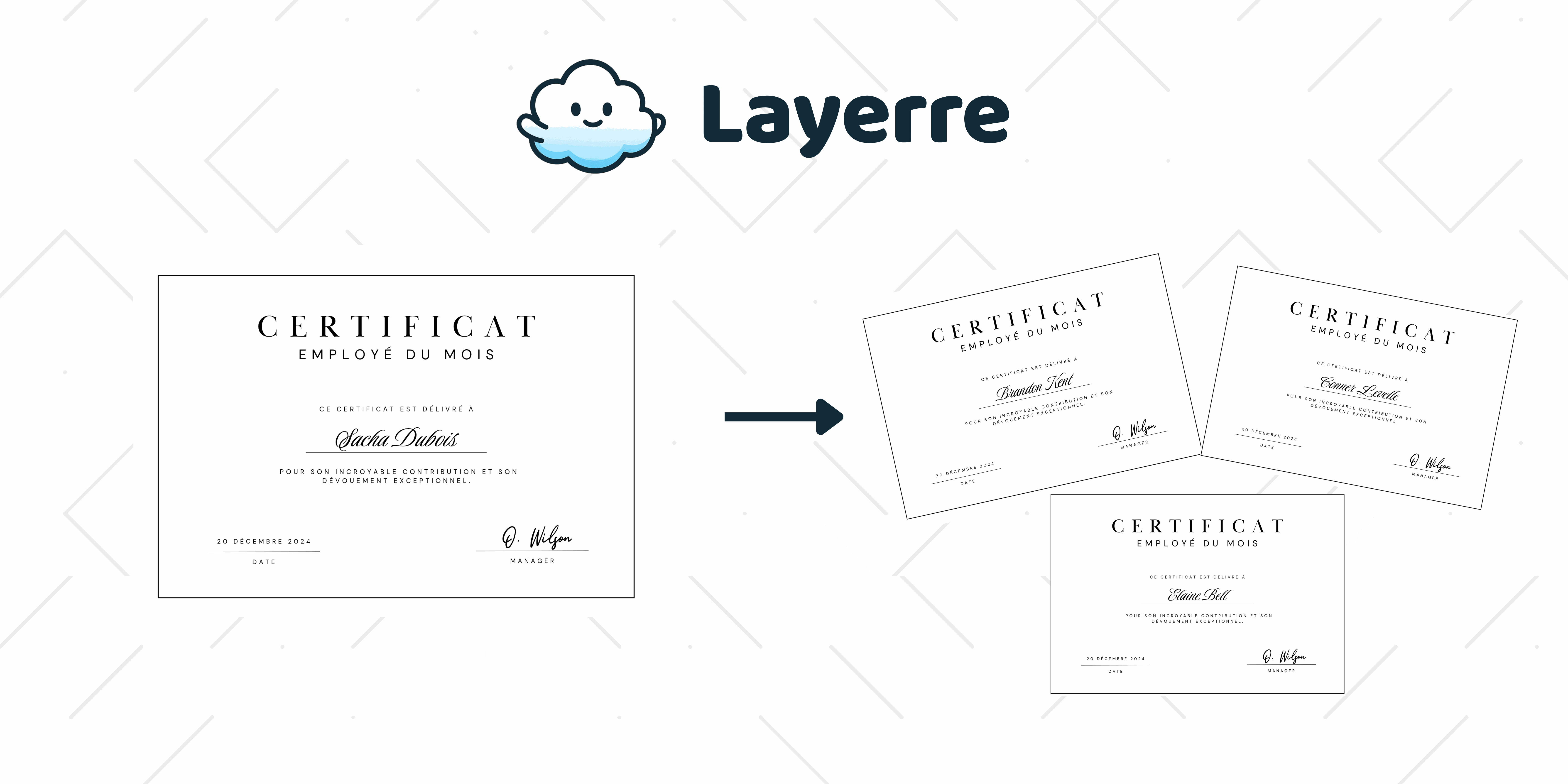
You found a certificate in Canva that already looks finished. The border is right, the logo fits, and the only wrong thing on the page is the sample name. Then the roster shows up: a course, a conference, an awards list, dozens of people who all need that same page.
Duplicating the design once per person is how an afternoon disappears. Leave the template in Canva and keep the names in a sheet. Layerre fills one PDF or image per row from that file. If the list is a one-time download and you are on Canva Pro, Teams, or Enterprise, Bulk Create can do the same job by hand. Free on Layerre is 50 credits, then $15 a month for 500.
Which certificate template should you start from?
Pick the template by the sentence you need on the page, then delete the sample name. The frame, border, and logo stay the same for every person. Only the fields in the table below should be text boxes you can overwrite.
| Template | Columns to fill | Leave static |
|---|---|---|
| Course completion | Name, course title, date | School mark, signature, border |
| Event attendance | Name, event, date, optional role | Event logo, city, footer |
| Award or recognition | Name, award title, short reason | Seal, signature, year |
| Workshop or webinar | Name, session, date, instructor | Host logo, background |
Design and print one copy in Canva when you only need a single certificate. The moment the list is longer than a handful of names, stop duplicating pages. A course, a conference, and a monthly awards run are the lists this template is for. Diplomas, licenses, and anything meant to look like an official credential belong in a different system.
How should the Canva file be built?
Canva certificate templates look finished, and that is the problem. Sample names are often grouped with the border, or the name sits inside a text box that is too narrow for a real person. Ungroup the layout, then give each changing line its own text box.
- Make the recipient name the largest text. Set the box wide enough for a long name, and turn on shrink-to-fit or a smaller minimum size so "Alexandra Montenegro-Chen" stays on one line.
- Put the course or event title in a second box. Do not type it into the same box as the name, or every row will overwrite both.
- Keep the signature as an image or a static text layer. A signature that changes per row is a photo URL, not a font.
- Landscape US Letter or A4 is the usual print size. If you also email a preview, export PNG for the inbox and PDF for the file people save.
Name the layers after the columns you will map: name, course, date. When the sheet and the design use the same words, the mapping step is obvious.
What does the spreadsheet look like?
One person per row. Row 1 is headers. Do not merge cells, and do not put two people in one cell. Dates should already be the string you want printed, such as 26 Sep 2026, so the design does not reformat them.
| name | course | date |
|---|---|---|
| Priya Shah | Intro to spreadsheets | 26 Sep 2026 |
| Jonah Adeyemi | Intro to spreadsheets | 26 Sep 2026 |
Speakers and attendees can share one template if you add a role column. If the layouts are actually different (a gold seal for awards, a plain border for attendance), use two Canva files and two generations. Forcing both jobs into one frame is how names collide with the seal.
How do you use the template for a whole list?
Canva Bulk Create can fill this template inside the editor if you are on Pro, Teams, or Enterprise and you want to run the batch by hand. Open the design, Apps, Bulk Create, connect the sheet, map columns, generate, download. There is no API on that path, and photos need a public image URL.
- Duplicate a Canva certificate template and replace the sample name with your wording.
- Share the design and paste the link into Layerre, or run Bulk Create if this is a one-time download.
- Map spreadsheet columns to the name, title, and date layers.
- Generate, then download or email the files. A form, LMS, or sheet that keeps growing is the Layerre case: dashboard, REST API, Zapier, Make, or n8n.
The tool comparison and the PDF step are on the bulk certificate generator page. Sending the file is email certificate automation. Native editor steps: how to mail merge in Canva.
What usually breaks on the first batch?
- The sample name is still in the file, so every certificate says the template's placeholder plus the real name.
- The course title was typed into the name box. Mapping one column then wipes the title.
- A photo frame points at a Google Drive preview link. The image URL has to return the file itself.
- You generated before checking one row. Render the first person, read it at print size, then run the rest.
Pricing for the bulk step is on the pricing page. Fifty credits covers a small workshop. A few hundred names is the $15 Starter plan.