



















Link Preview, OG, and Twitter Card Generators Compared
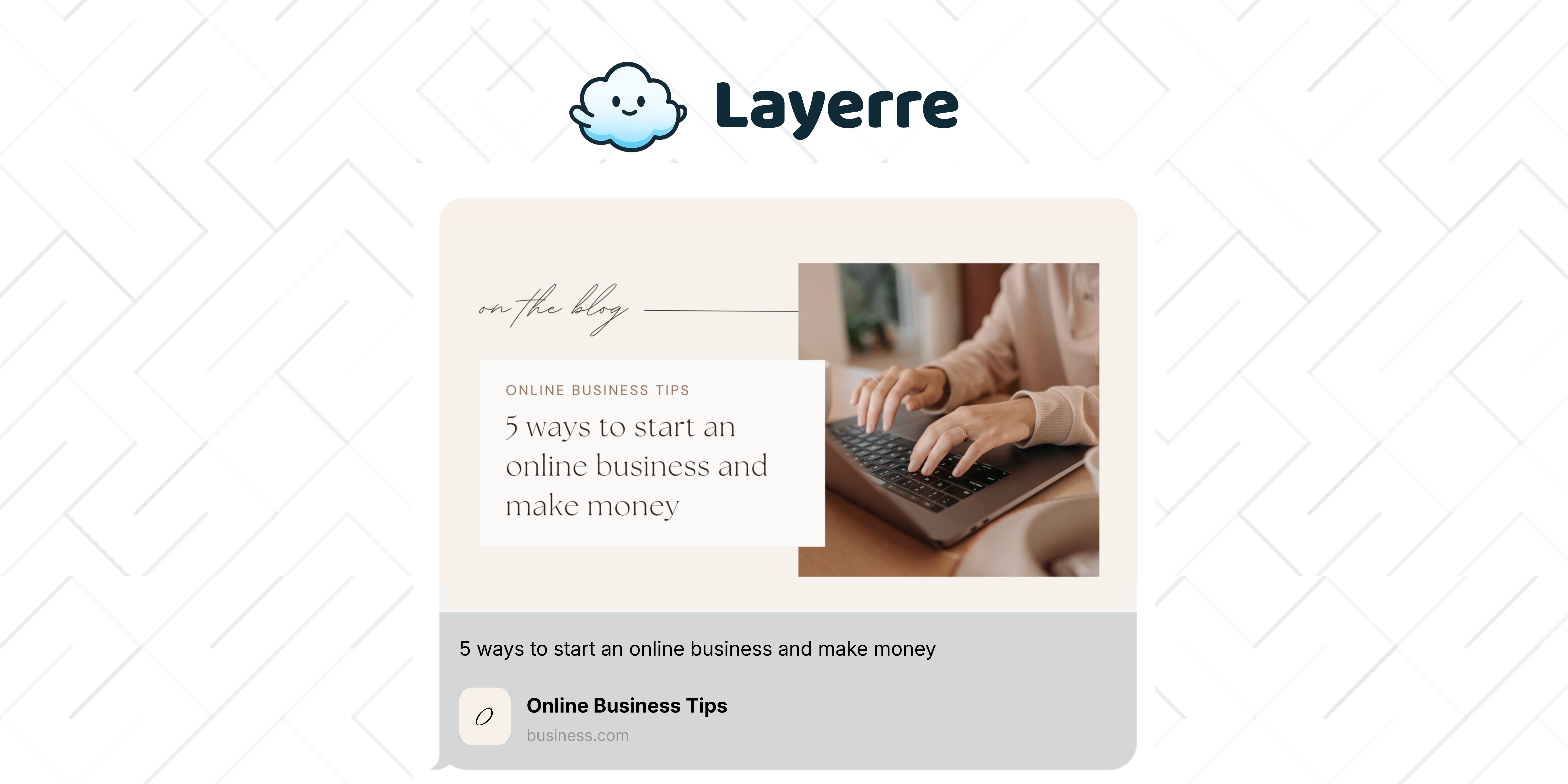
You paste a URL into a link preview generator, press the button, and get a readout of tags that were already on the page. The card is still empty. The tool did not fail. It was never going to draw the image.
Preview tools, design tools, and image APIs are three different jobs. A scraper shows what a URL will look like. Canva is where you design the card. Layerre generates a new 1200×630 image per page from that Canva file when og:image is missing. Specs live in the Open Graph image guide.
What are the differences between link preview generators?
| Tool | Job | Makes the image? |
|---|---|---|
| OpenGraph.xyz, Facebook debugger, X card validator | Show what a URL will look like | No |
| SocialCards, Canva | Design one card | You export it |
| Vercel OG | Draw cards in a Next.js route | Yes, in code |
| Bannerbear, Placid | API from their template editor | Yes, after a rebuild |
| Layerre | API from a Canva template | Yes |
People search "link preview generator" and land on a debugger, then wonder why the image is still blank. The debugger did its job. The page never had an image to show. Pick the row that matches the job you actually have.
When should you use a preview debugger?
OpenGraph.xyz, the Facebook Sharing Debugger, and X's card validator fetch a live URL and print the tags they found. Use them after the image exists. They answer "what will this link look like?" and "is the cache stale?"
og:titleandog:descriptionare present, and they match the page.og:imageis an absolute HTTPS URL, and the file returns image bytes.- The image is about 1200×630, and the title is still readable after the crop.
- A rescrape picks up a new image URL. Overwriting the old file at the same address often leaves the previous card in place.
When should you design the card by hand?
Canva and tools like SocialCards are for one card. You lay out the title, export a PNG, upload it, and point og:image at that file. That is the whole product, and it is the right one for a launch page or a homepage.
It stops scaling when every blog post needs its own title on the card. Duplicating the Canva page per article works for a dozen URLs. Past that, you want the layout to stay and the title to come from the CMS. Start the file with a custom OG template and the sizes on OG template sizes.
What tools make web cards and Twitter cards?
A web card here means the Open Graph image, not a UI card component. X still reads twitter:card and twitter:image. For a large image summary, set twitter:card to summary_large_image and point twitter:image at the same 1200×630 file you use for og:image. If the Twitter tags are missing, many clients fall back to Open Graph.
Three generators actually produce that file:
- Vercel OG. The card is JSX in a Next.js route. Fonts and layout live in code. Use it when engineering owns the design and you do not have a Canva master.
- Bannerbear and Placid. You rebuild the card in their editor, then call an API. Use them when you want a template API and you are ready to leave the Canva file behind. Both also cover video, which Layerre does not.
- Layerre. The card stays in Canva. You paste the share link, map the title, and get an image URL per page. Free is 50 credits. Starter is $15 a month for 500.
Paste a finished URL into X's composer or a third-party preview to confirm the cache. You can mock the crop locally before you publish: OG and X card preview. That mock does not fetch live meta tags. It only shows how a title and image sit in the frame.
What should you ship first?
- One 1200×630 template with the title in the safe center. Check it in the card preview.
- Absolute
og:imageandtwitter:imagetags on a single page. Confirm them in a debugger. - Generation per URL once that page looks right. Point each new page at its own image URL so caches do not reuse the homepage card.
Render pricing is on the pricing page.