
How to Auto Generate Certificates from a Spreadsheet
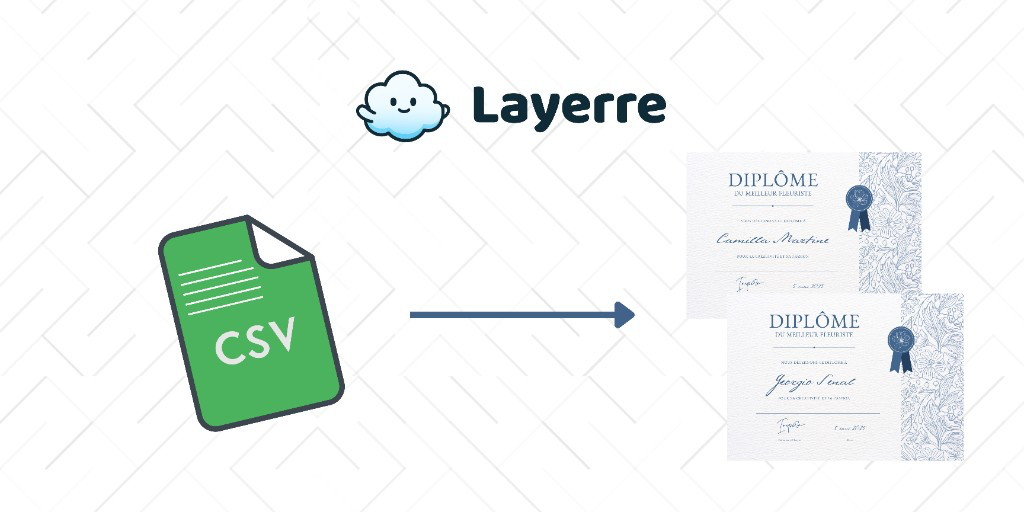
An automated certificate generator is a template plus a list of names, not a designer copying the same Canva file 200 times. This walkthrough starts from a spreadsheet (the list most training and event teams already have) and ends with named PDFs you can email or attach to an LMS.
In this guide
When a spreadsheet is the right source
Use a sheet when completions are exported from an LMS, event check-in, or HR system as CSV. Use an API or webhook instead when a student should get the PDF the moment they pass a quiz.
Both are "auto generate certificates." The sheet path is what people mean by automated certificate generator for workshops, conferences, and cohort courses.
Certificate template in Canva
Landscape US Letter or A4 works for print and PDF. Keep dynamic layers separate:
- Recipient name (large, high contrast)
- Course, session, or award title
- Completion date
- Certificate ID (optional, but useful for verification)
- Signatory name / title as text if it ever changes
Flatten logos and ornaments. Do not put the person's name in a screenshot of a previous certificate. Export target is usually PDF for email attachments, PNG if you also post a LinkedIn-style graphic.
Sheet columns
| Column | Example |
|---|---|
| full_name | Priya Nair |
| course | Workplace First Aid |
| completed_on | 9 September 2026 |
| cert_id | WFA-2026-0142 |
| [email protected] |
Format dates as display text in the sheet so every PDF prints the same way. Generate cert_id with a formula if your source system does not provide one.
Generate: Bulk Create vs automation
One workshop, under ~100 people: Canva Bulk Create from CSV. Map name/date/course, generate, download. See how to use Bulk Create. If you need one file for print, use Layerre combined PDF exports.
Every cohort, or "when they complete, send it": import the Canva certificate into Layerre. Then:
- Zapier/Make/n8n: new sheet row → create PDF variant → Gmail or Drive
- API: LMS webhook → Layerre → attach URL in your email provider
The API path is the same idea: webhook in, PDF URL out. How to automate certificate generation walks through the payload.
Email and LMS delivery
If the email is the product (not just the PDF on Drive), follow automate personalized certificate emails. Layerre still only returns the file URL; Gmail, Mailchimp, customer.io, or the LMS sends it.
- Use PDF for the official record, PNG for social share cards
- Store the URL on the sheet row so you can resend without regenerating
- Do not put unique legal language only in the email body; keep it on the certificate template