
Canva Bulk Create with Images and Image URLs
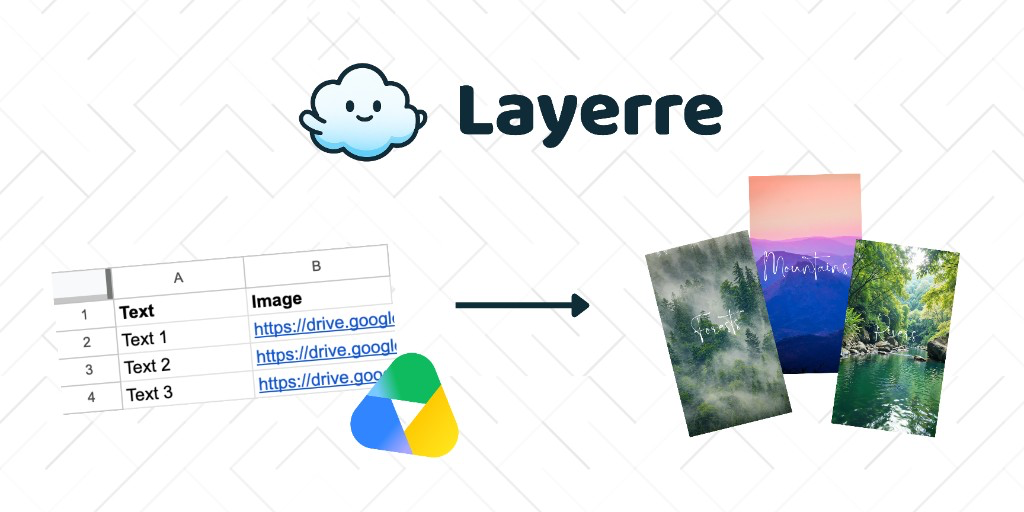
Bulk Create is easy when every column is text. It gets fiddly when each row also needs a different photo. This is the practical guide to image URLs, CSV columns, and the point where a one-off Canva batch should move into Layerre (API, Zapier, Make, or n8n) using the same template.
In this guide
How image mapping works
Canva Bulk Create (Pro/Teams) connects a data table to a design. Text columns fill text boxes. Image columns fill frames. You still start the batch inside the editor, then download results. Full click-path: How do you use Canva Bulk Create?
For photos, the design needs a real image frame (not a decorative shape with a fill). Name the frame something obvious like PRODUCT_PHOTO so mapping is unambiguous.
Image URLs vs files
The reliable pattern for bulk photos is a column of public HTTPS image URLs (PNG or JPEG). Each cell is one URL, no quotes soup, no Google Drive "view" links.
- Use a CDN or public bucket URL that ends in
.jpgor.pngwhen you can. - Drive/Dropbox share links often fail because they are HTML viewers, not image bytes.
- Embedding images inside the Excel file itself is hit-or-miss compared with a URL column. Prefer URLs.
Canva's UI also lets you attach images from your Canva uploads in some flows. That is fine for ten rows. It does not scale when the photos live in Shopify, Airtable, or a DAM. In Layerre those same public HTTPS URLs map to img_url on the frame, so a new row can render without opening Canva.
CSV setup
Header row = field names. One data row = one design. Example:
| name | title | photo_url |
|---|---|---|
| Amina Chen | Head of Sales | https://cdn.example.com/amina.jpg |
| Luis Ortega | CS Lead | https://cdn.example.com/luis.jpg |
Save as CSV UTF-8. Map photo_url to the image frame, not to a text box. More CSV notes: Canva Bulk Create CSV. The same columns work in Layerre if you later import the Canva file and drive generation from Google Sheets instead of a CSV upload.
What usually breaks
- Private URLs (401/403): Canva cannot fetch them
- WEBP-only or unusual formats on some plan/app versions
- Crop: the frame aspect ratio must match the photo, or faces get clipped
- Batch size: practical limits show up faster once each row downloads a photo
- Re-running the same sheet next week is still a manual loop
When to stop using Bulk Create
If the sheet is the source of truth every week, or photos already have URLs in Shopify/Airtable, import the same Canva template into Layerre and pass img_url per layer. That is the same job as bulk image generation from a spreadsheet, just on a live table instead of a CSV you re-upload. Zapier, Make, and n8n can fire on each new row. You keep the Canva master; you drop the download-and-zip ritual.
Stuck on the photo column in the editor? How to add images to Canva Bulk Create is the short version of this mapping. If Bulk Create itself is the bottleneck, compare Bulk Create alternatives.