
Design Automation for E-commerce Brands
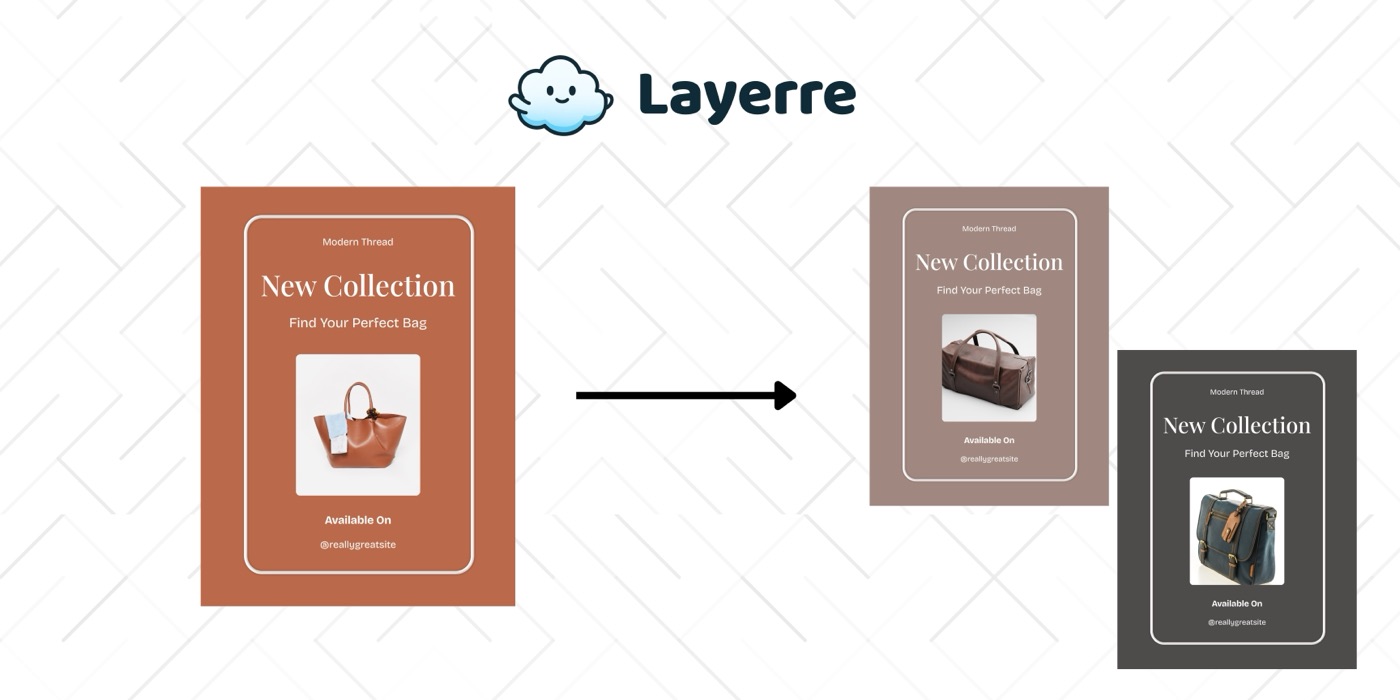
E-commerce brands need product cards, sale banners, and social content for every SKU, every season, and every channel. Layerre automates the visual production pipeline so your catalog stays fresh without manual design work.
The Problem: Why E-commerce Brands Need Design Automation
- ✕Hundreds or thousands of products each need branded images
- ✕Seasonal sales require updating every product image with new pricing and badges
- ✕New marketplace listings (Amazon, Etsy, Shopify) need platform-specific formats
- ✕Flash sales and limited offers need images created in hours, not days
- ✕Product launches bottleneck on design team availability
The Solution
Create product card templates in Canva with dynamic layers for product name, price, image, and badges. Import into Layerre. Generate product visuals automatically from your catalog data via API or Shopify integration.
Workflows for E-commerce Brands
1. Product catalog image pipeline
Shopify (new product) → Make → Layerre (generate product card, lifestyle banner, social post) → upload to Shopify media library. Every new product gets its marketing visuals automatically.
2. Seasonal sale automation
Update a "sale" column in your spreadsheet with discount percentages. Layerre regenerates all product images with sale badges and updated prices. Deploy in minutes instead of days.
3. Marketplace listing images
Generate platform-specific product images: Amazon (white background, info graphics), Etsy (lifestyle), Instagram (square). One product data row → multiple platform-optimized images.
What You Can Generate
- →Product cards: 500 SKUs × 3 formats = 1,500 images
- →Black Friday sale: all 500 products regenerated with sale badges in 30 minutes
- →Weekly "New Arrivals" social posts generated from latest inventory
- →Personalized "Recommended for You" images in marketing emails
How to Get Started
- 1Design your templates in Canva. Create one template for each asset type you need. Keep dynamic elements on separate layers.
- 2Import into Layerre. Share your Canva design and paste the link. Layerre reads your layers and makes them available as dynamic fields.
- 3Connect your data. Use the REST API for programmatic generation, or connect Make, Zapier, or n8n for no-code automation.
- 4Generate at scale. Generate hundreds or thousands of design variants from your data. Focus on strategy and quality while production runs automatically.
Related guides
Ready to automate design production?
Import your Canva templates and start generating. Free tier included, no credit card required.