
Design Automation for Social Media Managers
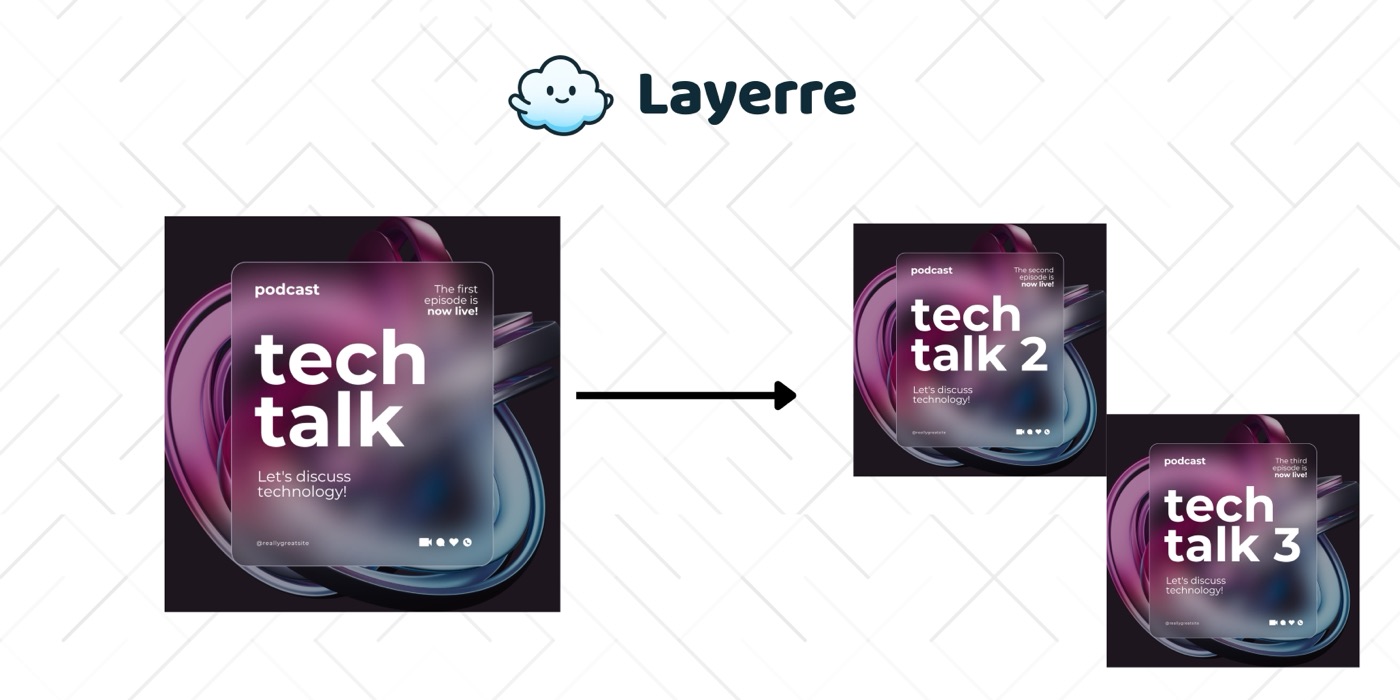
Social media managers need a constant stream of on-brand visuals, but waiting for designers is a bottleneck. Layerre lets you generate branded posts from Canva templates connected to your content calendar.
The Problem: Why Social Media Managers Need Design Automation
- ✕Content calendar calls for 20-30+ visuals per week across platforms
- ✕Waiting for designers to produce simple text/image swaps wastes time
- ✕Each platform needs different image sizes and formats
- ✕Managing multiple brand accounts multiplies the work
- ✕Last-minute content changes require rushing the design team
The Solution
Design a set of Canva post templates (one per platform format). Import into Layerre. Connect your content calendar spreadsheet via Make or Zapier, new rows automatically generate the visual and save it to your shared folder.
Workflows for Social Media Managers
1. Content calendar → ready-to-post images
Google Sheets (content calendar with copy, image references, post date) → Make → Layerre (generate image) → Google Drive. When content is planned, visuals are generated automatically.
2. Multi-platform format generation
One content entry generates Instagram Square, Instagram Story, LinkedIn, and Twitter formats simultaneously. Four API calls, four images, same content adapted to each platform.
3. Quote and stat graphics
A "daily quote" or "stat of the day" template generates a new image every day from a data source. Schedule via Make cron trigger, the post is ready before you start your day.
What You Can Generate
- →Weekly content: 5 posts × 4 platform sizes = 20 images/week
- →Multi-brand: 3 accounts × 20 images/week = 60 images/week
- →Campaign burst: 30 variants for a product launch across all channels
- →User-generated content reposts with branded overlay frames
How to Get Started
- 1Design your templates in Canva. Create one template for each asset type you need. Keep dynamic elements on separate layers.
- 2Import into Layerre. Share your Canva design and paste the link. Layerre reads your layers and makes them available as dynamic fields.
- 3Connect your data. Use the REST API for programmatic generation, or connect Make, Zapier, or n8n for no-code automation.
- 4Generate at scale. Generate hundreds or thousands of design variants from your data. Focus on strategy and quality while production runs automatically.
Related guides
Ready to automate design production?
Import your Canva templates and start generating. Free tier included, no credit card required.