
Design Automation for Print-on-Demand Businesses
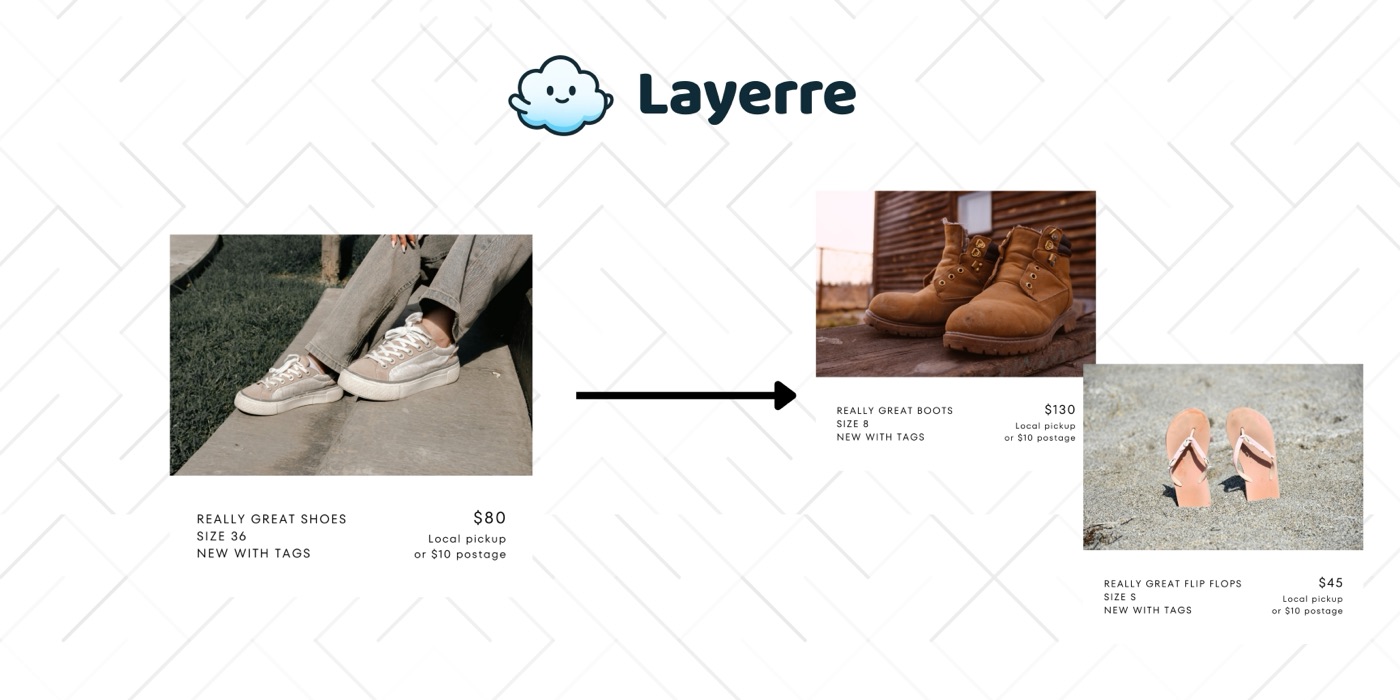
Print-on-demand sellers need product mockups, listing images, and marketing graphics for every design across every product type. Layerre automates the visual pipeline so you can scale your catalog without scaling your design time.
The Problem: Why Print-on-Demand Businesses Need Design Automation
- ✕Each new design needs mockups on multiple product types (t-shirt, mug, tote, phone case)
- ✕Marketplace listings need professional images with specific dimensions per platform
- ✕Trending designs need to go from concept to listing in hours, not days
- ✕Holiday and seasonal collections require bulk generation of new listings
- ✕A/B testing listing images manually is too slow for meaningful optimization
The Solution
Create mockup templates in Canva for each product type with a dynamic design layer. Import into Layerre. When a new design is ready, generate all product mockups and listing images via a single API batch.
Workflows for Print-on-Demand Businesses
1. New design → all product mockups
Upload new design → Layerre generates mockups on t-shirt, hoodie, mug, tote bag, phone case templates. All images saved to a folder organized by design name and product type.
2. Marketplace listing image generation
For each design × product combination, generate platform-specific listing images: Etsy (lifestyle), Amazon (white background), Redbubble (product on model). One data input → multiple marketplace-ready images.
3. Seasonal collection launch
Prepare 50 new holiday designs in a spreadsheet. Layerre generates 50 × 5 product types × 3 platforms = 750 listing images in a single batch run.
What You Can Generate
- →New design: 1 artwork × 6 product types = 6 mockup images
- →Full catalog: 200 designs × 6 products = 1,200 mockup images
- →Marketplace launch: 200 designs × 6 products × 3 platforms = 3,600 images
- →Social media: weekly "new design" posts featuring product mockups
How to Get Started
- 1Design your templates in Canva. Create one template for each asset type you need. Keep dynamic elements on separate layers.
- 2Import into Layerre. Share your Canva design and paste the link. Layerre reads your layers and makes them available as dynamic fields.
- 3Connect your data. Use the REST API for programmatic generation, or connect Make, Zapier, or n8n for no-code automation.
- 4Generate at scale. Generate hundreds or thousands of design variants from your data. Focus on strategy and quality while production runs automatically.
Related guides
Ready to automate design production?
Import your Canva templates and start generating. Free tier included, no credit card required.