
Design Automation for SaaS Companies
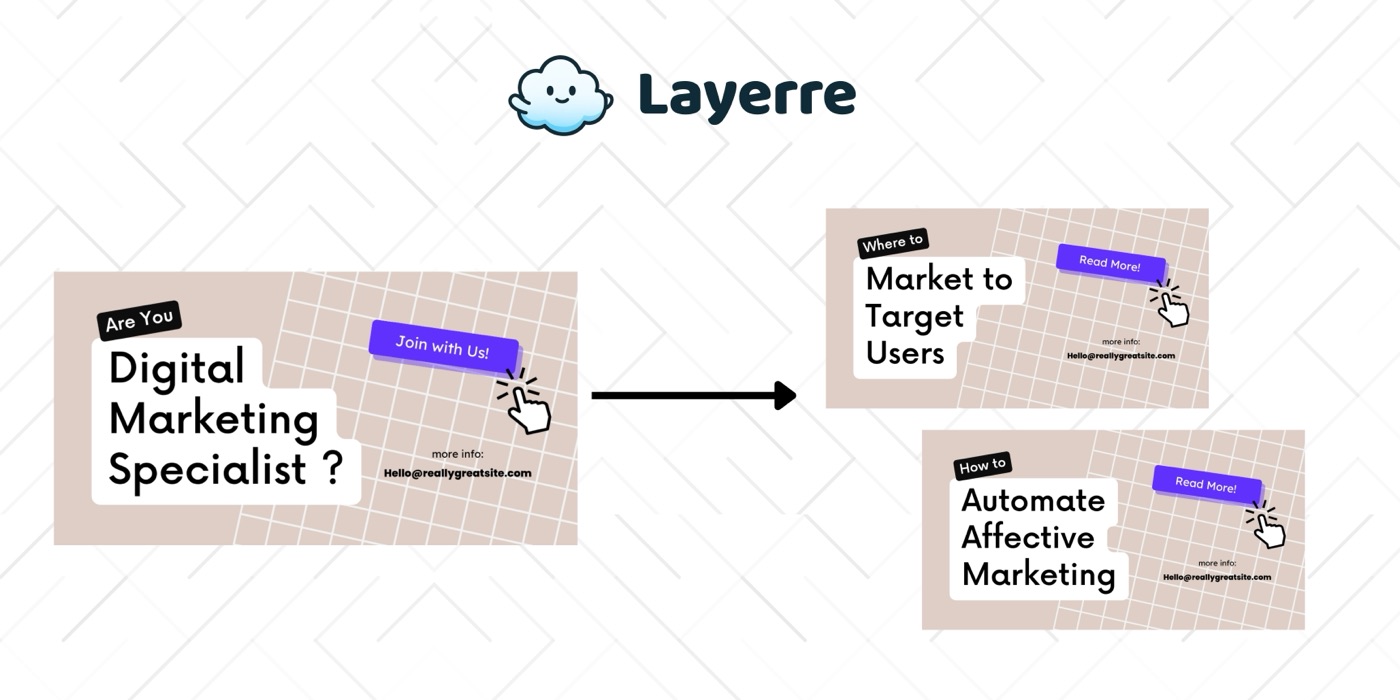
SaaS products need dynamic images: OG previews for every page, shareable cards for user achievements, branded exports for reports. Layerre's API turns your Canva designs into a programmable image layer for your product.
The Problem: Why SaaS Companies Need Design Automation
- ✕Every page needs a unique OG image for social sharing, impossible to create manually
- ✕Users want shareable images (stats, achievements, summaries) but you don't have a rendering pipeline
- ✕Building image generation in-house (Canvas API, Puppeteer, etc.) is complex and brittle
- ✕Marketing needs branded images for announcements, changelogs, and feature launches
- ✕Customer-facing exports (reports, invoices, summaries) look better as designed images or PDFs than plain HTML
The Solution
Design your image templates in Canva (OG images, share cards, export layouts). Import into Layerre. Call the API from your backend to generate images dynamically based on user data, page metadata, or product events.
Workflows for SaaS Companies
1. Dynamic OG images at build time
During your Next.js/Astro build, call Layerre for each page with the page title and description. Set the og:image meta tag to the generated URL. Every page gets a unique, branded social preview.
2. User share cards
When a user clicks "Share my stats," call Layerre with their data (username, metrics, avatar). Return the image URL for sharing on social media. The template is designed in Canva, no rendering infrastructure needed.
3. Automated changelog images
When a new feature is released, trigger Layerre via API with the feature name and description. Generate a branded announcement image for Twitter, LinkedIn, and the changelog page.
What You Can Generate
- →OG images: generated for 500+ pages at build time
- →Share cards: generated on demand when users click "Share"
- →Achievement badges: personalized for each user milestone
- →Weekly digest emails with personalized summary graphics
How to Get Started
- 1Design your templates in Canva. Create one template for each asset type you need. Keep dynamic elements on separate layers.
- 2Import into Layerre. Share your Canva design and paste the link. Layerre reads your layers and makes them available as dynamic fields.
- 3Connect your data. Use the REST API for programmatic generation, or connect Make, Zapier, or n8n for no-code automation.
- 4Generate at scale. Generate hundreds or thousands of design variants from your data. Focus on strategy and quality while production runs automatically.
Related guides
Ready to automate design production?
Import your Canva templates and start generating. Free tier included, no credit card required.