
Design Automation for HR & People Teams
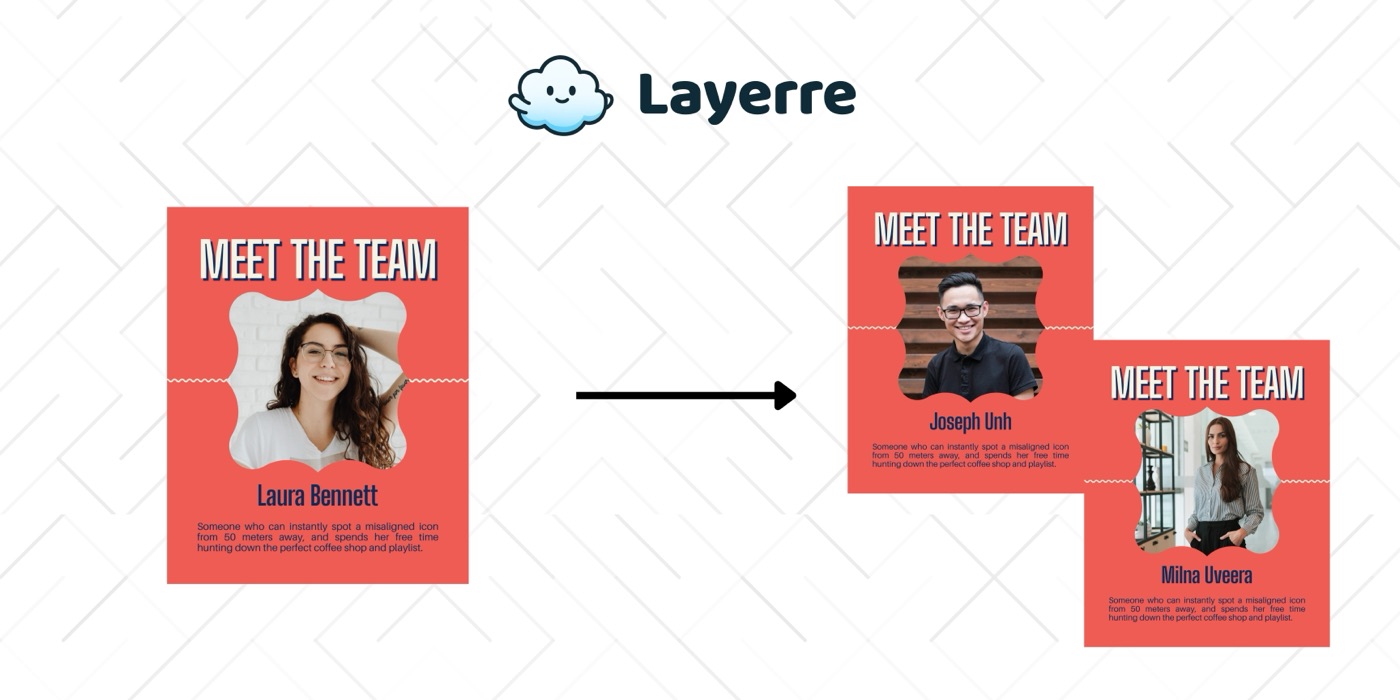
HR teams create visual content for every hire, milestone, recognition, and internal event. Layerre automates the repetitive production so People teams focus on people, not pixels.
The Problem: Why HR & People Teams Need Design Automation
- ✕Every new hire needs a welcome graphic, team announcement, and onboarding materials
- ✕Work anniversaries, birthdays, and recognition awards need personalized visuals
- ✕Employer branding content for LinkedIn and careers pages needs constant updates
- ✕Internal events (town halls, team offsites, holiday parties) need promotional graphics
- ✕Manual production means inconsistent branding across departments
The Solution
Create HR templates in Canva (welcome cards, anniversary graphics, recognition awards, event promos). Import into Layerre. Connect your HRIS or spreadsheet to generate personalized visuals automatically.
Workflows for HR & People Teams
1. New hire announcements
HRIS (new hire added) → Make → Layerre (generate welcome graphic with name, photo, role, team, start date) → Slack channel post. The team sees the announcement within hours of the hire.
2. Work anniversary and birthday celebrations
A scheduled Make flow checks for upcoming anniversaries/birthdays weekly. Layerre generates personalized celebration graphics. Posted to Slack or emailed automatically on the day.
3. Employer branding content
Template for "We're hiring" posts with role title, team, location, and team photo. When a new job opens, generate the hiring post and save to the recruiting team's content folder.
What You Can Generate
- →New hire welcome cards: 100 hires/year × 1 graphic = 100 images
- →Work anniversaries: 250 employees × 1 anniversary graphic/year = 250 images
- →Job postings: 40 open roles × 2 sizes (LinkedIn + careers page) = 80 images
- →Internal events: 12 events/year × 3 promo sizes = 36 images
How to Get Started
- 1Design your templates in Canva. Create one template for each asset type you need. Keep dynamic elements on separate layers.
- 2Import into Layerre. Share your Canva design and paste the link. Layerre reads your layers and makes them available as dynamic fields.
- 3Connect your data. Use the REST API for programmatic generation, or connect Make, Zapier, or n8n for no-code automation.
- 4Generate at scale. Generate hundreds or thousands of design variants from your data. Focus on strategy and quality while production runs automatically.
Related guides
Ready to automate design production?
Import your Canva templates and start generating. Free tier included, no credit card required.