
Design Automation for Education Platforms
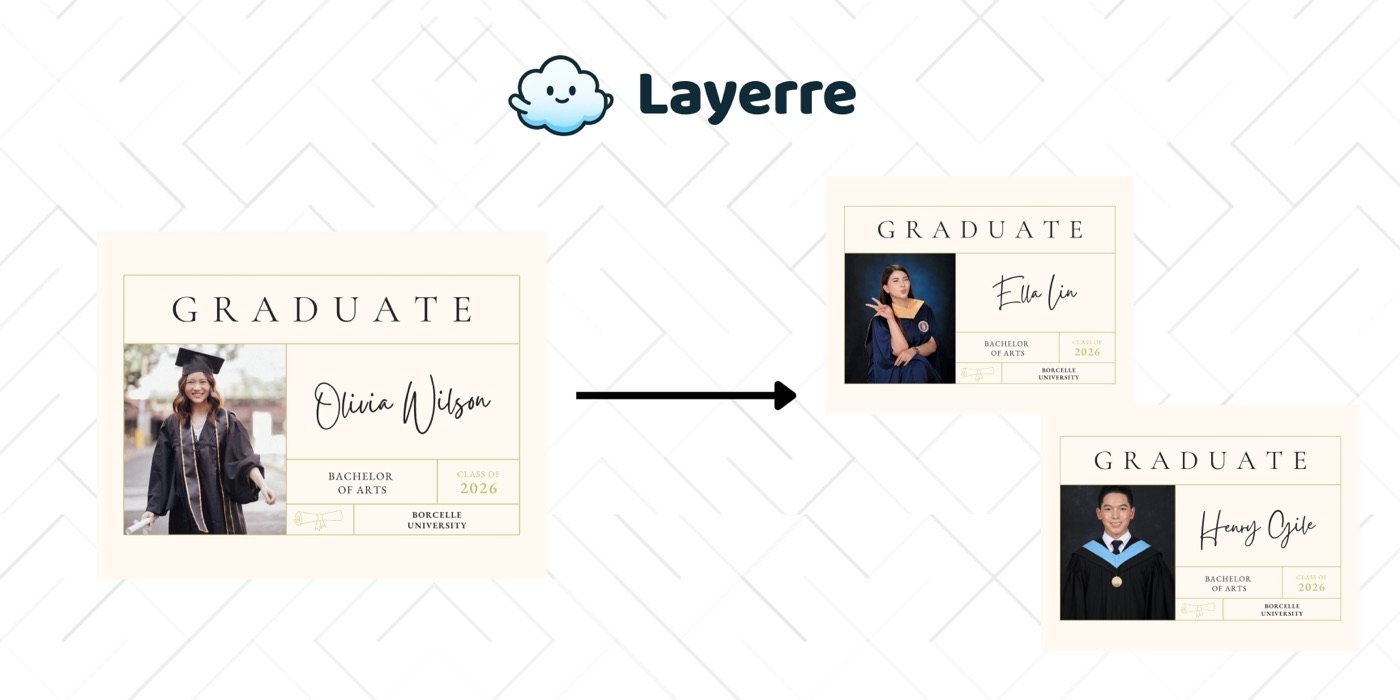
Education platforms need certificates for every graduate, badges for every achievement, and marketing visuals for every course. Layerre automates all of it from your Canva templates and student data.
The Problem: Why Education Platforms Need Design Automation
- ✕Manually creating certificates for hundreds or thousands of graduates is unsustainable
- ✕Each course, cohort, or achievement needs its own visual assets
- ✕Students expect instant certificates upon completion, not "we'll email it in a few days"
- ✕Course marketing images need to be updated for each new cohort or session
- ✕Badges and credentials need to look professional and be verifiable
The Solution
Design certificate and badge templates in Canva. Import into Layerre. When a student completes a course (tracked in your LMS), call the API to generate their certificate and email it instantly.
Workflows for Education Platforms
1. Instant certificate on completion
LMS webhook (course completed) → your backend → Layerre API (generate certificate PDF with student name, course, date, certificate ID) → email to student. The entire flow happens in seconds.
2. Badge generation for achievements
When a student unlocks an achievement, generate a shareable badge image. The student can post it on LinkedIn or social media, each badge includes their name and the achievement details.
3. Course marketing materials
For each new course or cohort, generate promotional images (social posts, email banners, landing page graphics) from a template with the course title, start date, instructor, and featured image.
What You Can Generate
- →Certificates: 2,000 graduates/year × 1 PDF each = 2,000 certificates
- →Achievement badges: 10 badge types × 500 students = 5,000 badges/year
- →Course promos: 12 courses × 4 image sizes × 4 cohorts/year = 192 images
- →Welcome emails with personalized cohort graphics for each new student
How to Get Started
- 1Design your templates in Canva. Create one template for each asset type you need. Keep dynamic elements on separate layers.
- 2Import into Layerre. Share your Canva design and paste the link. Layerre reads your layers and makes them available as dynamic fields.
- 3Connect your data. Use the REST API for programmatic generation, or connect Make, Zapier, or n8n for no-code automation.
- 4Generate at scale. Generate hundreds or thousands of design variants from your data. Focus on strategy and quality while production runs automatically.
Related guides
Ready to automate design production?
Import your Canva templates and start generating. Free tier included, no credit card required.